How to Use: Sound Manager!
By JOELwindows7 – Adventure level – uploaded 26 Aug 2014 from Android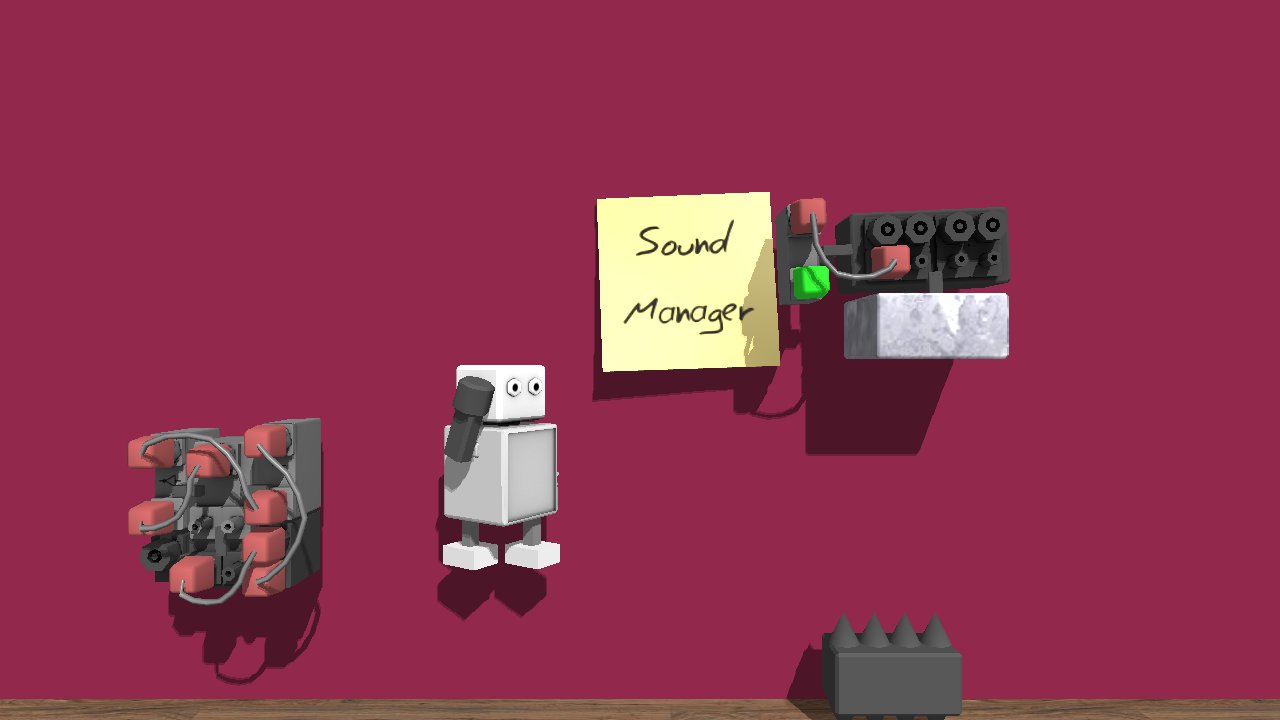
It manage the selected which sound was playing.
Go to cogwheel and select action sound to manage. The Selected action sound will be managed by using
IN0 to Volume of that sound
OUT0 to see if that sound started, out a tick since it was loaded.
Try this one. Focus on that Sound manager, the manager manage the a HeartBeat sound (lose.wav) it is Player Death action. When the sound loaded and play, manager caught it was played and send signal a tick to OUT0. Then it goes to Lua that game:message("Lub Dub"), Lub Dub is romanished sound of Human heartbeat. (You might say it weird if Japanese people write Lub Dub is "Doki-Doki!" (Thump-Thump!).). You can change this Lua to something next statement to do, e.g. Game Over, or lose score or etc.
Enjoy to this manager. Hope this can be useful.
Wait, zardOz suggest this called Sound event listener.
Downloads: 219 - Level ID: 10271
